How to Optimize Your Workspace for Agentic AI: The Ultimate 2026 Guide
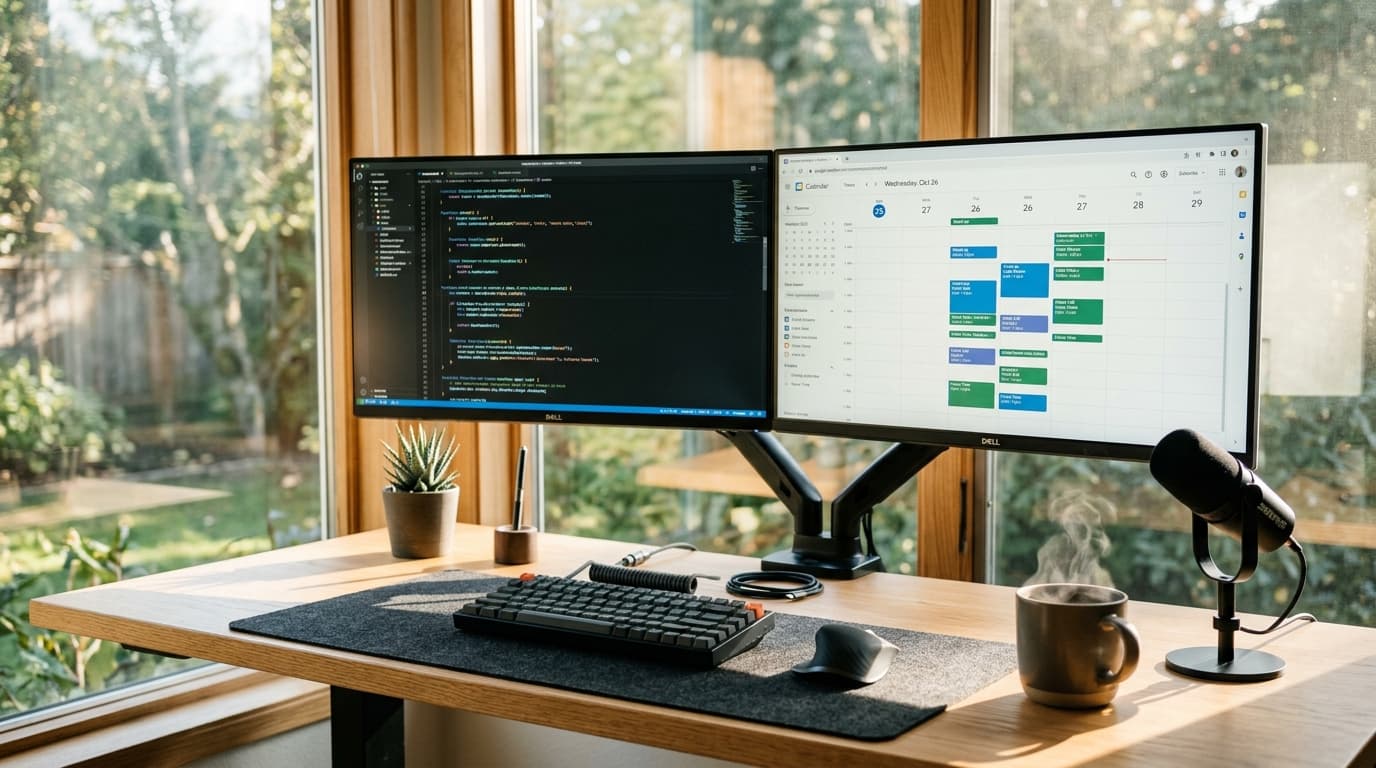
Stop fighting with your digital assistant. Here is exactly how to set up your desk and software so your AI agents can actually do their jobs.
I remember setting up my first home office with just a laptop and a cheap monitor. Fast forward to 2026, and my primary "coworker" is an autonomous piece of software. Agentic AI isn't just a chatbot anymore—it’s an active participant that needs the right digital and physical setup to run smoothly.
If you want to get the most out of your AI agents, you need to structure your workspace for them. Here is my exact setup and how you can replicate it.
1. Hardware: The AI Command Center
Your physical hardware dictates how well you can monitor and interact with these agents. I tried running everything off a single screen, and it was a disaster. You need screen real estate to keep an eye on autonomous tasks while doing your deep work.
- Primary Display: I use the [Dell UltraSharp 32" 4K Monitor] ($750) for my main coding and writing.
- Agent Display: I keep a vertical [LG DualUp 28"] ($599) specifically for monitoring my AI agents (like AutoTasker and Devin). This lets me instantly see if an agent hits a roadblock without interrupting my main flow.
- Audio Input: Agentic AI is moving heavily toward voice commands. Ditch the built-in laptop mic. I use the [Shure MV7+] ($279) because it isolates my voice from background noise, meaning my AI doesn't accidentally execute a command based on a YouTube video playing in the background.
2. Software: Structuring for Machine Readability
Agentic AI thrives on structured data. If your files are a mess, your AI will fail.
Organize Your Local Files
I keep all my projects in a strict folder hierarchy. When I tell my agent to "pull the Q3 financial reports," it knows exactly where to look. I recommend creating a unified Agent_Context folder where you store your API keys (securely), style guides, and project briefs.
The Essential Agentic Stack (2026 Edition)
Here are the tools I am currently running daily:
- [Notion AI Plus] ($20/mo): My central database. I format all my notes using clear H2 and H3 headings so the AI can parse the context instantly.
- [MultiOn Pro] ($30/mo): This handles my browser tasks. I let it run in the background to book flights, buy groceries, and manage my calendar.
- [Cursor IDE] ($20/mo): The absolute best code editor for working alongside an AI. It understands my entire codebase natively.
3. How to Talk to Your Agents (AEO Best Practices)
Prompt engineering is dead. We are now in the era of Agentic Engine Optimization (AEO) on a personal level. You need to give your agents clear, actionable constraints.
Instead of saying: "Plan my trip to Tokyo." Say: "Find direct flights to Tokyo for under $800 leaving on Oct 12th. Book a 4-star hotel in Shinjuku for under $150/night. Use my saved Delta Skymiles account."
By setting up your hardware to monitor tasks, organizing your data so the AI can read it, and giving precise constraints, you turn these tools from gimmicks into a massive productivity multiplier.
David tests AI tools, gadgets, and developer platforms hands-on before writing about them. His work focuses on making complex tech approachable — without the hype. He has covered 100+ products across AI, gadgets, and software for TechPixelly.