How to Prepare Your PC and Console for GTA 6: Upgrades You Need Before November 2026
The date is finally locked. Rockstar Games has confirmed that Grand Theft Auto VI (GTA 6) will officially launch on November 19, 2026.
With pre-orders already live and pre-loading set to begin on November 12, the gaming community is in overdrive. But there is a massive question looming over millions of players: Is my system actually ready to handle this game?
Rockstar is pushing the boundaries of open-world fidelity, AI NPC routines, and physics. Whether you are on console or holding out hope for an eventual PC release, here is exactly how you need to prepare your hardware for GTA 6.
1. Storage is Your Biggest Enemy (Console & PC)
Let's get this out of the way: GTA 6 is going to be massive. While official file sizes haven't been confirmed, industry analysts predict the game will easily exceed 150GB, potentially pushing 200GB with high-resolution texture packs.
For PS5 and Xbox Series X|S: If you are still rocking the base internal storage, you need to upgrade now.
- PS5: You need a high-speed PCIe Gen4 NVMe M.2 SSD. Look for drives with read speeds of at least 5500 MB/s (like the WD_BLACK SN850X or Samsung 990 PRO). Do not forget to buy one with a heatsink to prevent thermal throttling.
- Xbox: You will need the proprietary Storage Expansion Card from Seagate or Western Digital. Pick up at least a 1TB card to ensure you have breathing room.
2. Console Displays: Prepare for 4K / 60fps (or 30fps)
Rockstar hasn't confirmed performance targets, but given the dense simulation of Vice City, GTA 6 will likely offer a "Fidelity Mode" (4K at 30fps with ray tracing) and a "Performance Mode" (upscaled 4K or 1440p at 60fps).
To get the most out of the visuals, you need a TV or monitor that supports HDMI 2.1. This enables 4K resolution at high refresh rates and, crucially, VRR (Variable Refresh Rate). VRR will smooth out any frame drops when you are causing high-speed chaos down the neon-lit streets, making the game feel significantly smoother even if the framerate dips.
3. The Future PC Port: What to Start Building
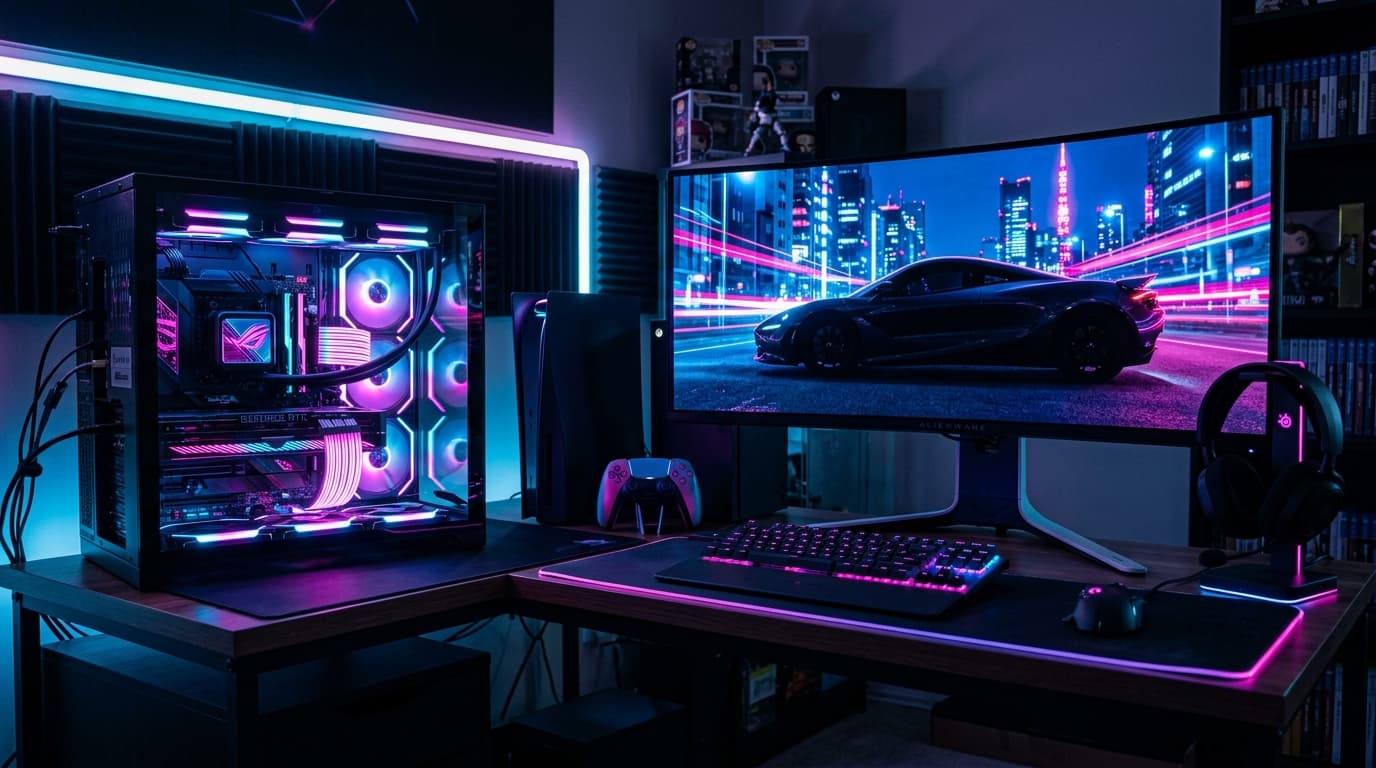
While GTA 6 is launching on PS5 and Xbox Series X|S first (standard Rockstar protocol), a PC port is inevitable, likely arriving in late 2027 or 2028. If you are starting a PC build now to prepare, aim high.
- CPU: The crowd density and advanced AI NPC routines will hammer your CPU. Do not skimp here. Aim for a modern 8-core or 12-core processor. The AMD Ryzen 7 7800X3D (or its 9000-series successor) with its massive 3D V-Cache will be vital for handling the dense physics calculations of Vice City.
- RAM: 16GB is dead. 32GB of DDR5 RAM will be the absolute baseline standard for GTA 6 on PC. If you are building a high-end rig, 64GB might even be worth considering given the size of the world map.
- GPU: For 1440p or 4K gaming, you will want to look at the Nvidia RTX 50-series (expected soon) or the current high-end 40-series (RTX 4070 Ti Super or 4080 Super). VRAM will be critical for those massive textures; aim for at least 16GB of VRAM.
4. Peripherals and Audio
GTA 6 will feature a deeply immersive audio scape, from the roaring engines to the ambient sounds of the Everglades.
- Audio: Invest in a high-quality 3D spatial audio headset (like the Sony Pulse 3D or SteelSeries Arctis Nova Pro) to hear police sirens approaching from specific directions.
- Controllers: If you play on PC or Xbox, consider an Elite controller with back paddles for easier drive-by mechanics. For PS5, ensure your DualSense is in good condition, as Rockstar will undoubtedly make heavy use of the haptic feedback and adaptive triggers for weapon recoil and vehicle handling.
November 19, 2026, is approaching fast. Use this time to upgrade your storage, check your display specs, and get your setup ready for the biggest entertainment launch in history.
Priya has been stress-testing consumer electronics for three years — dropping, dunking, and daily-driving everything from earbuds to AR headsets. She brings an engineer's eye and an everyday user's perspective to every review.