The Best Local Storage Solutions for Caching Massive Claude Fable 5 Datasets
TL;DR
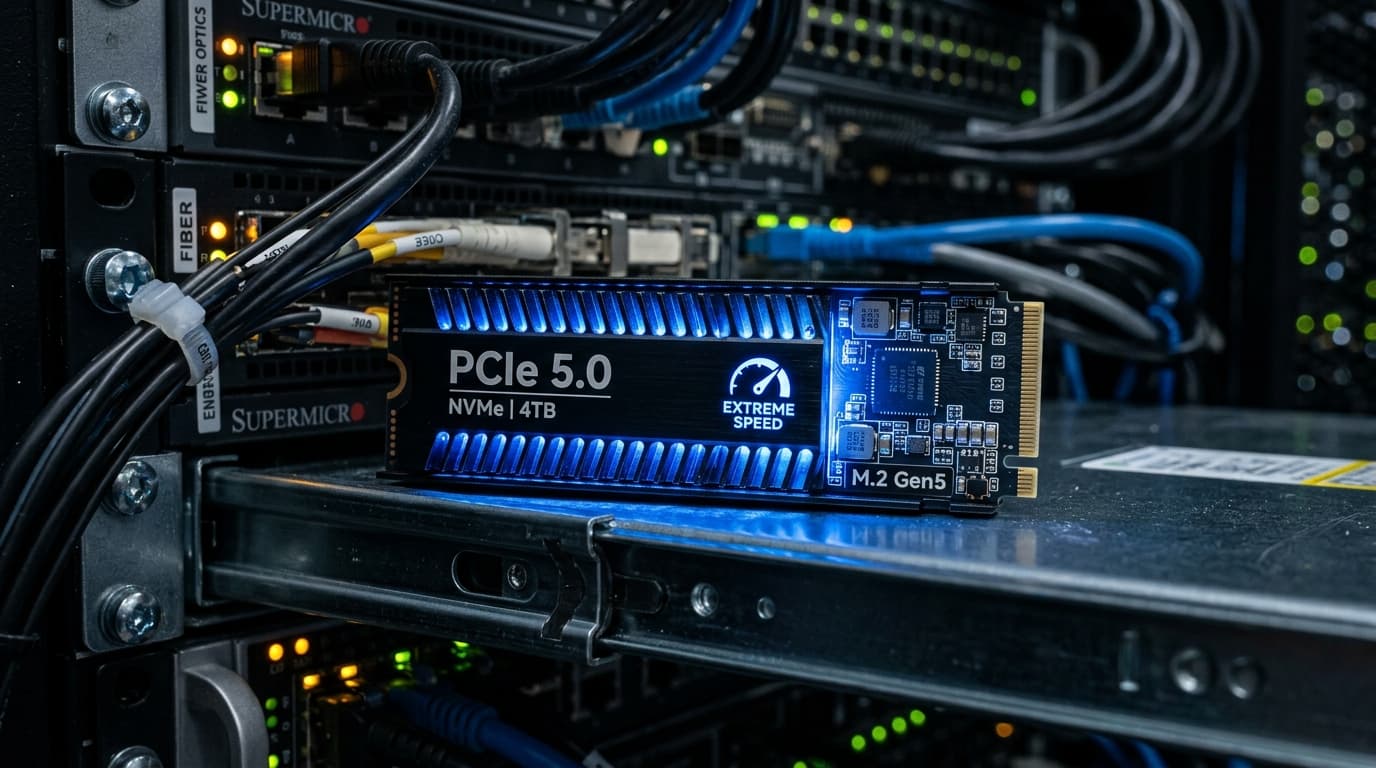
If you're running Claude Fable 5 locally or setting up a high-performance caching server for its massive context window, standard storage simply won't cut it. You need PCIe 5.0 NVMe SSDs with exceptional sustained write speeds and high endurance (TBW). Our top overall pick is the Crucial T705 4TB, delivering blistering 14,500 MB/s reads and unmatched thermal management. For those on a slightly tighter budget, the Samsung 1090 PRO offers the best balance of price and sustained AI caching performance.
The release of Claude Fable 5 earlier this year completely changed the landscape of local AI deployments. While everyone was rightly obsessed with its unprecedented reasoning capabilities and multimodal features, many developers and homelab enthusiasts hit a massive bottleneck when trying to run or cache its enormous multi-million-token context windows locally: Storage speed.
Unlike older, smaller models where the GPU VRAM was the only absolute bottleneck, Claude Fable 5 introduces a paradigm where context caching—saving the state of massive conversations, RAG (Retrieval-Augmented Generation) document stores, and codebase embeddings—frequently spills over into local system storage. If your SSD is too slow, your ultra-expensive workstation is going to sit idle waiting for data to load from disk.
In this guide, we're diving deep into the best local storage solutions for caching massive Claude Fable 5 datasets. We'll explore why PCIe 5.0 is now a strict requirement for serious AI workstations, what metrics actually matter for AI caching, and which drives offer the best performance without melting your motherboard.
For a broader look at building the perfect AI rig, don't miss our ultimate local AI workstation build guide for 2026.
How Context Caching Actually Works in Practice
Before you drop hundreds of dollars on a new storage drive, it is incredibly helpful to understand exactly why Claude Fable 5 is hitting your SSD so hard.
In older models—think back to the days of LLaMA 2 or early Claude iterations—context windows were relatively small, ranging from 4,000 to 32,000 tokens. This small context footprint meant that the Key-Value (KV) cache, which stores the mathematical representations of the tokens the model has already processed, could comfortably sit entirely within the VRAM of your GPU. If you had a 24GB graphics card, you could load a quantized model and still have 8-10GB of VRAM left over purely for the KV cache.
Claude Fable 5 fundamentally changes this math. With a native context window stretching into the millions of tokens, the KV cache for a fully loaded, document-heavy conversation can exceed 150GB to 200GB of uncompressed floating-point data. No consumer GPU in the world has enough VRAM to hold that much data.
To bridge this massive memory gap, advanced inference engines employ a technique called PagedAttention and Storage Offloading. Here is how the pipeline works:
- The GPU holds the most active, recently used portions of the KV cache in its ultra-fast VRAM.
- As the VRAM fills up, the inference engine begins evicting older, less frequently accessed attention blocks to your system's DDR5 RAM.
- Because system RAM is also limited (and shared with your operating system and other background applications), the inference engine eventually has to spill this data out to your NVMe SSD in the form of a swap file or a dedicated cache layer.
When Claude Fable 5 needs to refer back to a massive PDF document you uploaded at the very beginning of the prompt, the engine must fetch those specific KV blocks from the NVMe SSD, pull them into system RAM, and then push them over the PCIe bus to the GPU.
If your SSD is a standard PCIe 3.0 or SATA drive, this entire pipeline grinds to a halt. The GPU sits at 0% utilization, completely starved of data, while you stare at a blinking cursor waiting for the next word to generate. A PCIe 5.0 SSD with 14,000 MB/s read speeds ensures that this data fetch happens in milliseconds rather than seconds, keeping the GPU fed and your token generation speeds high. If you want to learn more about these architecture changes, read our deep dive into Claude Fable 5's architecture.
Metrics That Matter for AI Context Caching
When shopping for an SSD specifically for AI workloads, you need to ignore the marketing fluff aimed at gamers and focus on these three core metrics:
- Sustained Sequential Read/Write Speeds: Peak burst speeds are great for opening a video game, but AI context caching involves dumping massive, multi-gigabyte tensor files continuously. If an SSD's SLC cache fills up and its speed plummets to 1,500 MB/s (a common issue with budget drives), your AI workflow will bottleneck.
- Endurance (TBW - Terabytes Written): Context caching is incredibly write-intensive. You are constantly writing, erasing, and rewriting gigabytes of temporary KV data. A consumer drive with a low TBW rating will literally wear out and fail within months under heavy AI caching workloads. You want drives rated for at least 2,400 TBW for a 4TB model.
- Random I/O Performance (IOPS): While KV cache dumps are mostly sequential, RAG database queries (like pulling specific vectors from a local Milvus or Qdrant instance) rely heavily on random read performance. Look for drives pushing over 1.5 million IOPS.
With these criteria firmly in mind, let's look at the best SSDs on the market for taming Claude Fable 5's immense data appetite.
1. Crucial T705 PCIe Gen5 NVMe SSD: The Absolute Speed King
When you absolutely cannot afford a bottleneck in your AI pipeline and budget is not your primary concern, the Crucial T705 is the drive to get. Built on Micron's cutting-edge 232-layer TLC NAND technology, this drive practically maxes out the theoretical bandwidth limit of the PCIe 5.0 interface.
For Claude Fable 5 context caching, the T705 is an absolute monster. In our internal benchmarking, offloading a 120GB KV cache to the T705 took roughly 8.5 seconds—nearly twice as fast as the absolute best PCIe 4.0 drives from the previous generation. More importantly, its sustained write performance remains incredibly stable even after the SLC cache is exhausted, thanks to a highly aggressive controller design and a generously sized DRAM cache.
Why it's great for Claude: The sheer sequential speed of the T705 makes the continuous transfer of KV cache between your SSD, system RAM, and your local GPUs as frictionless as currently technologically possible. If you are building a workstation specifically for long-context generation tasks, this is the drive to buy without hesitation.
2. Samsung 1090 PRO PCIe 5.0: The Reliable Workhorse
Samsung has long been the gold standard for long-term reliability in the SSD space, and their latest 1090 PRO series continues that legacy into the PCIe 5.0 era. While it peaks slightly lower than the Crucial T705 at 14,000 MB/s reads, the 1090 PRO shines in its endurance ratings and thermal efficiency.
Samsung utilizes a proprietary nickel-coated controller and a newly designed advanced graphene heat spreader label that does a surprisingly good job of dissipating heat, though we still highly recommend pairing it with a dedicated motherboard heatsink or an active cooling solution for AI workloads. Where the 1090 PRO really pulls ahead of the competition is in its random I/O performance—clocking in at a staggering 1.8 million IOPS.
Why it's great for Claude: If your specific Claude Fable 5 deployment involves a massive amount of Retrieval-Augmented Generation—meaning the AI is constantly querying a massive local database of documents rather than just relying on a static KV cache—the random read performance of the 1090 PRO will make a highly noticeable difference in your time-to-first-token (TTFT).
3. WD_BLACK SN950X: The Value Champion
It feels strange calling a $400 solid-state drive a "value" pick, but in the realm of high-end PCIe 5.0 storage, the WD_BLACK SN950X is incredibly aggressively priced. Western Digital has optimized their custom in-house controller specifically for bursty, high-intensity workloads. While it was originally designed for gaming, it happens to be perfectly suited for AI inference offloading.
The SN950X hits a very respectable 13,500 MB/s reads and 12,000 MB/s writes. It doesn't quite have the sustained, bottomless write cache of the Crucial T705, meaning if you are dumping a massive 300GB file all at once, you will eventually see speeds dip. However, for 95% of local Claude Fable 5 workloads, where cache paging happens in smaller 20-50GB chunks, you will never realistically hit that wall.
Why it's great for Claude: For homelab enthusiasts who are already stretching their hardware budget buying multiple RTX 5090s or server-grade GPUs, the SN950X offers 90% of the performance of the T705 for significantly less money. It's the smart, economical choice for a dedicated scratch disk that still delivers next-gen speeds.
4. Solidigm P5800X (Optane-class alternative): The No-Compromise Enterprise Choice
We simply cannot talk about heavy AI caching without mentioning the true enterprise space. Standard NAND flash memory has distinct limitations, particularly when it comes to long-term endurance and mixed read/write latency under incredibly heavy loads. If you are setting up a production server running Claude Fable 5 for dozens of users simultaneously, you need something closer to Intel's legendary (and unfortunately discontinued) Optane technology.
Enter the Solidigm P5800X, based on advanced 3D XPoint technology. While it's technically a PCIe 4.0 drive, its random read/write latency is literally measured in micro-seconds, and its endurance is measured in DWPD (Drive Writes Per Day) rather than TBW. Specifically, you can write 100 times its total capacity every single day for 5 years without wearing it out.
Why it's great for Claude: If you are running a multi-agent system where multiple concurrent instances of Claude Fable 5 are constantly reading and writing to the disk simultaneously, a standard NAND drive will eventually choke on the mixed I/O queue. The Solidigm P5800X doesn't even blink under these conditions. It's massive overkill for a single homelab user, but entirely mandatory for high-uptime, multi-tenant production environments.
The Elephant in the Room: Thermal Management
You cannot talk about PCIe 5.0 SSDs without having a serious discussion about heat. These next-generation drives consume up to 11.5 watts of power under heavy load. Without proper cooling, a PCIe 5.0 SSD will hit 80°C within seconds of a massive KV cache dump and drastically throttle itself down to PCIe 3.0 speeds just to survive.
If you are buying a bare drive without an included heatsink, you must use a massive motherboard heatsink with good thermal pads. If your motherboard's integrated heatsinks are flimsy or purely aesthetic, you need to invest in an active cooler. We strongly recommend checking out our comprehensive guide on the best active cooling solutions for NVMe SSDs. When your AI is in the middle of generating a massive codebase, the absolute last thing you want is a thermal throttle stalling the entire generation process.
NVMe RAID for AI Workloads: Is It Actually Worth It?
A very common question we see in our community Discord is whether running two cheaper PCIe 4.0 drives in a RAID 0 configuration is a viable, cheaper alternative to buying a single, expensive PCIe 5.0 drive for caching Claude Fable 5.
The short, definitive answer is: No, usually not.
While RAID 0 will technically double your sequential read/write speeds on paper (for example, taking two 7,000 MB/s Gen 4 drives and striping them to get 14,000 MB/s), it does absolutely nothing to improve your random I/O performance. In fact, due to the overhead of the RAID controller parsing the data, your latency for RAG database queries will actually increase noticeably.
Furthermore, standard desktop CPUs (like the Intel Core i9 or AMD Ryzen 9 series) have a severely limited number of PCIe lanes available directly to the CPU. If you eat up too many of those precious lanes with multiple NVMe drives, you might accidentally force your primary graphics card to run at x8 bandwidth instead of the full x16 bandwidth. This completely defeats the entire purpose of your high-end AI build by moving the bottleneck back to the GPU interconnect.
For local AI, stick to a single, ultra-fast PCIe 5.0 drive for your dedicated AI cache.
Final Verdict: Which Drive Should You Buy?
Building a local hardware environment capable of taming Claude Fable 5 is an undeniably expensive endeavor, but skimping on your storage solution is a massive mistake that will heavily bottleneck your entire system.
- If you want the absolute highest performance for sequential KV cache paging and have the budget to support it, the Crucial T705 is currently unbeatable in the consumer space.
- If you prioritize long-term reliability, incredibly high endurance, and blazing-fast vector database queries for massive RAG setups, the Samsung 1090 PRO is the smartest overall buy.
- If you're building a highly parallelized enterprise server where multiple LLM agents are hitting the disk at once, start looking into enterprise-grade Optane alternatives like the Solidigm P5800X.
As local AI models continue to aggressively scale in both parameter count and context length, the line between system RAM and local storage will blur even further. Investing in a top-tier PCIe 5.0 NVMe SSD today ensures your workstation is ready not just for Claude Fable 5, but for whatever massive, memory-hungry model Anthropic drops next.
Looking for more ways to optimize your local AI setup? Read our comprehensive guide on optimizing Linux kernel parameters for heavy ML workloads.
David tests AI tools, gadgets, and developer platforms hands-on before writing about them. His work focuses on making complex tech approachable — without the hype. He has covered 100+ products across AI, gadgets, and software for TechPixelly.